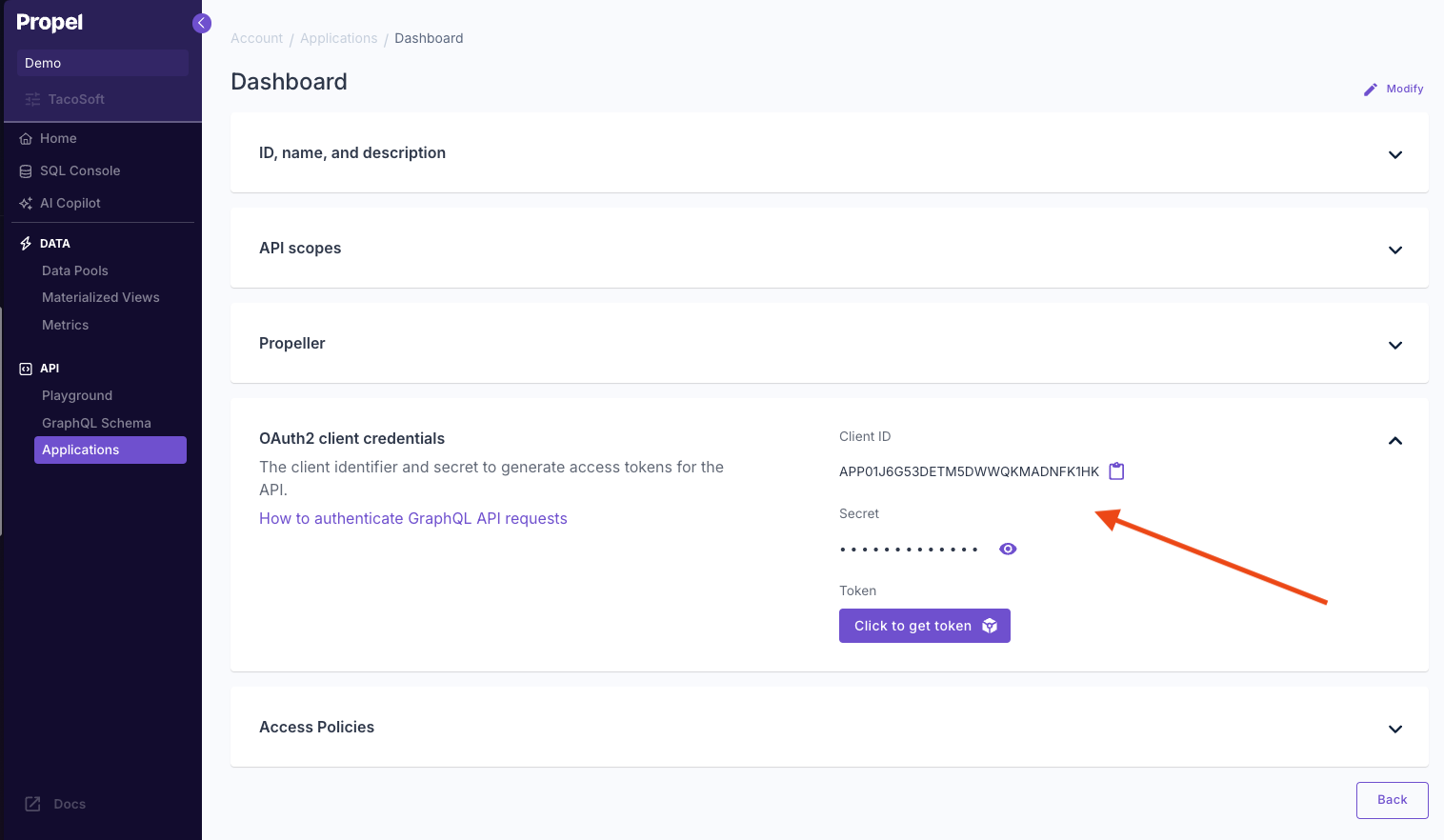
Propel Applications give your app credentials to access Propel via SQL or the API. Scopes control what the Application can do, and Propellers control the speed and cost of the queries.
Propellers determine the speed of queries on a per-query basis. They control the number of rows per second that an individual query can read from a Data Pool.
Propeller
Max records read per second
Price per GB read
P1_X_SMALL
1,000,000
$0.03 / GB
P1_SMALL
10,000,000
$0.05 / GB
P1_MEDIUM
100,000,000
$0.06 / GB
P1_LARGE
250,000,000
$0.07 / GB
P1_X_LARGE
500,000,000
$0.08 / GB
By adjusting the Propeller size, you can optimize the balance between query performance and cost based on your specific needs.For guidance on selecting the most appropriate Propeller for your use case, refer to our Choosing a Propeller guide.
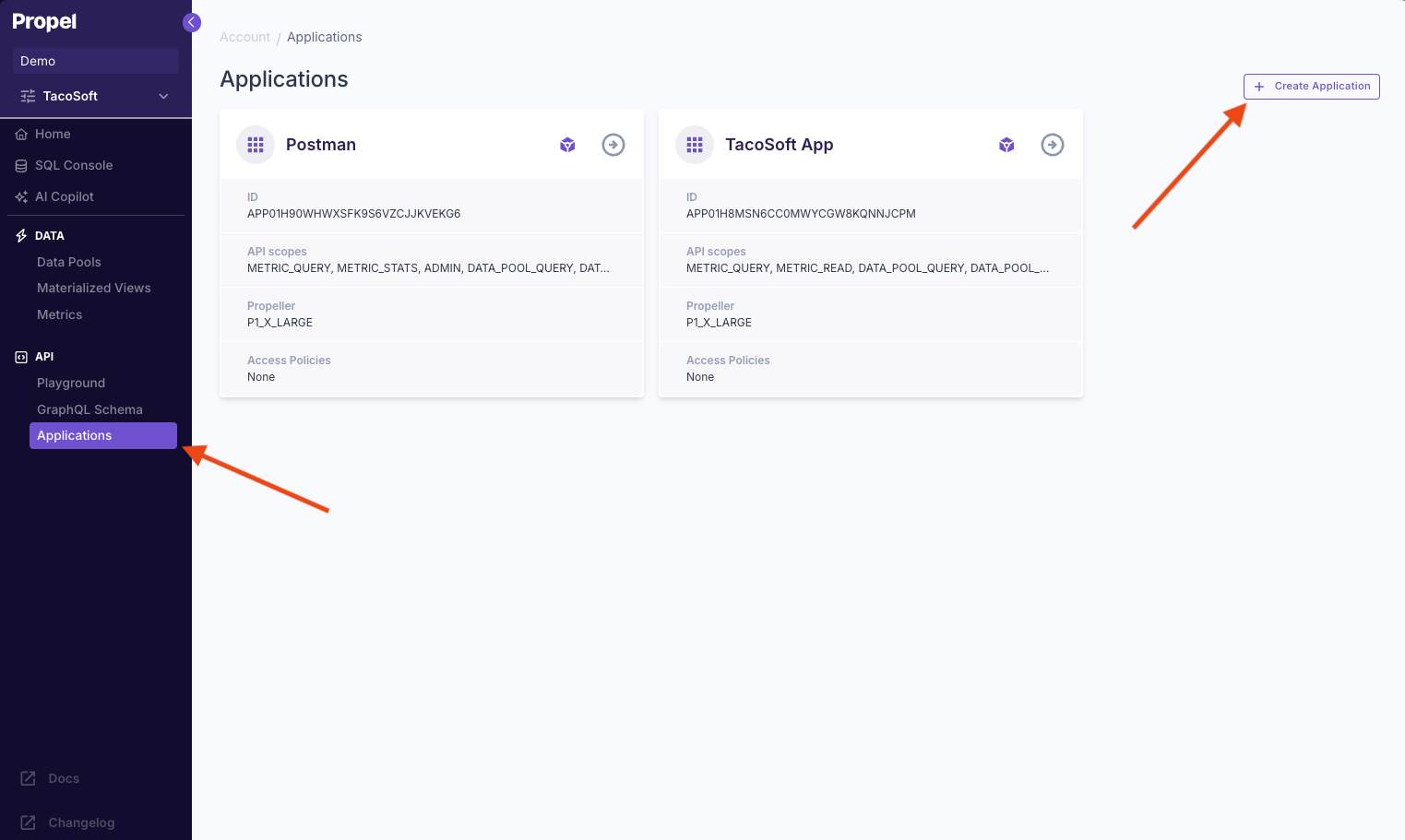
Log into the Propel Console, navigate to the “Applications” section, and click on “New Application” .
Navigate to Applications section
2
Name your Application
Give your Application a unique name. It should represent the app that will be using the SQL or API credentials.
Name your Application
3
Select scopes
Scopes determine what the credentials will be allowed to do. To just query data, select the DATAPOOL_QUERY scope. Learn more about scopes.
Select scopes
4
Select Propeller size
Propellers determine the speed and cost of your queries. A P1_X_SMALL is a good to start with. You can change it later if you need to. Learn more about Propellers.
Select Propeller size
5
Create theApplication
Lastly, click “Create Application”.
You must have the APPLICATION_ADMIN scope to create an Application.